Christmas 5 Patterns
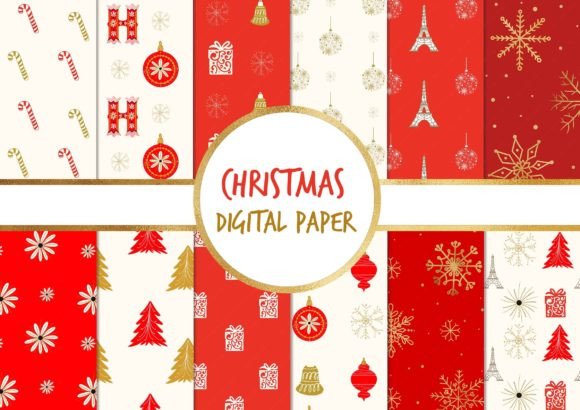
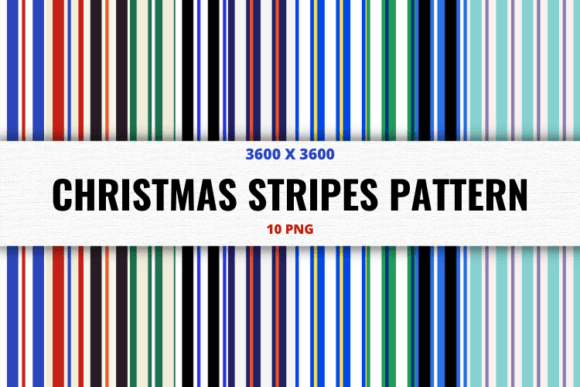
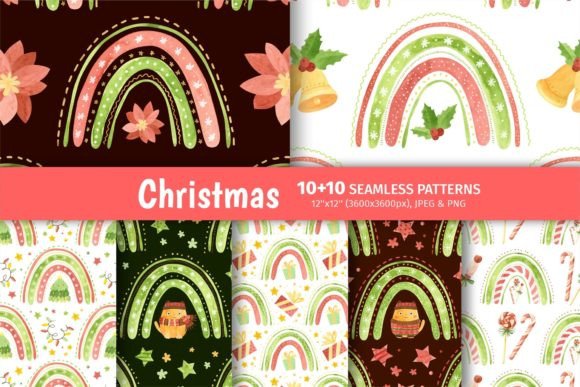
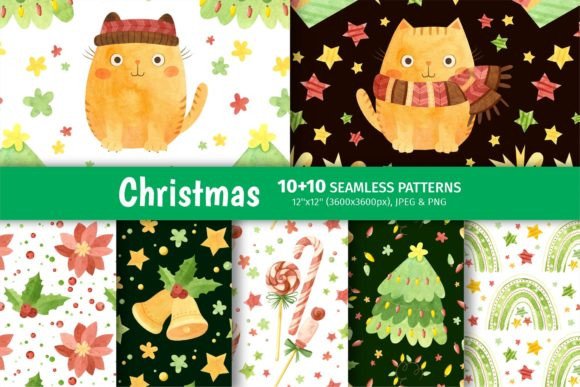
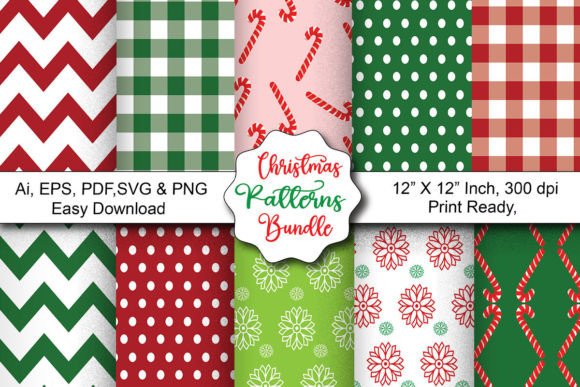
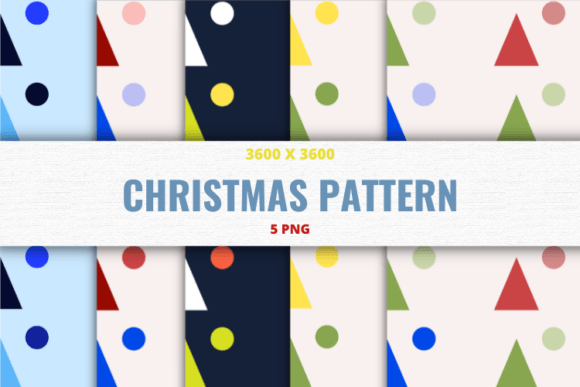
If you're looking for versatile, high-resolution Christmas digital papers that work beautifully across crafts, invitations, scrapbooking, and small business projects, Christmas 5 Patterns is a smart starting point. This collection includes 10 premium PNG files — not five — each sized at 3600×3600 px, offering crisp detail even when printed large or layered in complex designs. Despite the name suggesting five, the package delivers ten distinct patterns: think rich red-and-green plaids, delicate snowflakes on ivory, vintage-inspired holly motifs, subtle gold foil textures, and modern minimalist trees. They’re designed to be beginner-friendly but robust enough for professionals who need reliable assets without licensing headaches.
Don’t assume “5 Patterns” means only five files
A common first impression — especially when skimming product titles — is that “Christmas 5 Patterns” refers to exactly five digital papers. That’s understandable, but it’s inaccurate. The file set actually contains 10 unique, high-quality PNGs. Misreading this can lead to mismatched expectations: someone planning a 12-page holiday scrapbook might hesitate, thinking five options aren’t enough. In reality, ten gives real flexibility — say, using one pattern for backgrounds, another for borders, and a third for text overlays — all while maintaining visual cohesion.
This misunderstanding often stems from naming conventions used by some designers to evoke a curated, intentional feel (“5 Patterns” sounds more deliberate than “10 Papers”). But clarity matters. Before downloading or purchasing, always check the description line that confirms “10 PNG files.” If that detail isn’t visible on the storefront or preview page, pause — reputable sellers list exact counts upfront. Skipping this step may mean buying a smaller set than needed, leading to extra time sourcing replacements or compromising design consistency.
Resolution isn’t just about size — it’s about versatility
Each file in the Christmas 5 Patterns collection is 3600×3600 px at 300 DPI. That resolution supports both digital use (like social media banners or email headers) and professional print (think 12×12 scrapbook pages or folded A6 invitations). Yet many users overlook how resolution interacts with their workflow. For example, inserting a 3600 px image into a Canva invitation template sized for Instagram Stories (1080×1350 px) doesn’t require downsampling — but resizing it *up* in a low-res editor could introduce pixelation if the software doesn’t handle interpolation well.
A better approach? Open the PNG in your native design tool first — whether that’s Adobe Photoshop, Affinity Designer, or even Google Slides — and verify how it scales. If you’re using it for physical products like greeting cards, confirm your printer’s minimum resolution requirement (most demand ≥300 DPI at final output size). And remember: PNGs retain transparency, so if you plan to overlay text or photos, you won’t need to remove white backgrounds manually — a time-saver beginners often underestimate.
Assuming compatibility without testing leads to layout surprises
PNGs are widely supported, yes — but not all platforms render them identically. Some email clients crop or compress large PNGs; certain Cricut Design Space versions flatten layers unexpectedly; and free-tier Canva plans sometimes restrict upload sizes over 25 MB (though these files are typically under 8 MB each). Assuming seamless integration without a quick test run can derail deadlines — especially when preparing client-facing materials like branded holiday newsletters or Etsy listing mockups.
Here’s what works: drag one PNG into your intended tool *before* building full layouts. Try placing it as a background behind semi-transparent text. Check how it behaves when exported as PDF or JPG. If you notice blurring, unexpected cropping, or color shifts (especially with deep reds or metallic tones), adjust export settings — like embedding color profiles or choosing “high quality” JPEG instead of “optimized.” Small tests prevent last-minute scrambles.
Skipping metadata and licensing review risks reuse limits
These files are licensed for personal *and* commercial use — meaning you can use them in client projects, sell printable planners featuring the patterns, or brand holiday merchandise — as long as you don’t resell the PNGs themselves as standalone digital goods. But that permission isn’t automatic across all marketplaces. Some platforms (like Creative Market or Etsy) require you to declare usage rights in your listing description. Others flag uploads if metadata still shows the original creator’s name.
Before incorporating Christmas 5 Patterns into client deliverables or digital products, open one file in Preview (Mac) or Properties > Details (Windows) and inspect embedded metadata. Remove any copyright tags unless instructed otherwise by the seller. Also, double-check the license document included in the download ZIP — it usually clarifies permitted uses, attribution requirements (none here), and prohibited actions (e.g., creating competing pattern packs).
Underestimating color mode affects print accuracy
All files are provided in RGB — ideal for screens — but if you’re printing professionally (especially via services like Mixam or Printful), your printer may expect CMYK. Converting RGB to CMYK after placement can mute reds and greens, making festive elements look duller than intended. You won’t notice it on screen, but the printed result may disappoint.
The fix isn’t complicated: convert *before* finalizing layouts. In Photoshop, go to Edit > Convert to Profile > Destination Space > CMYK. In Affinity, use Document > Convert Format > CMYK. Then soft-proof using your printer’s ICC profile if available. Even a quick side-by-side comparison — RGB vs. CMYK preview — helps spot shifts early. This step takes two minutes and prevents costly reprints.
What to verify before downloading or buying
- File count: Confirm it’s 10 PNGs — not 5 — listed clearly in the description.
- Dimensions & DPI: Ensure they match your largest intended use case (e.g., 3600×3600 px at 300 DPI covers most print needs).
- Transparency support: PNGs should have no background layer — verify by opening in a transparent canvas.
- Licensing scope: Look for explicit “personal + commercial use” language, plus restrictions (no reselling raw files).
- Compatibility notes: Reputable sellers mention known issues — e.g., “works in Cricut Design Space v7+” or “tested in Illustrator CC 2023.”
When you choose thoughtfully — checking specs, testing early, and aligning format with purpose — Christmas 5 Patterns becomes more than decorative filler. It’s a flexible, production-ready toolkit that saves time, elevates presentation, and supports everything from classroom holiday cards to boutique packaging. The best creative decisions start not with speed, but with clarity — and a quick glance at those file details is the easiest way to get there.